

You probably don’t know that on many local service sites, over half of visitors abandon the page if the main action (call or quote) isn’t tappable within the first screen. If you design mobile-first, tighten Core Web Vitals, and write neighborhood-specific messaging, you shorten the path from “just browsing” to booked. You also build trust faster with reviews, proof, and clear service areas—but only if your layout supports quick scanning, so you’ll want to see what to change first.
Key Takeaways
- Design mobile-first with thumb-friendly layouts, 44px+ tap targets, sticky CTAs, and 3–5 field forms to increase conversions.
- Communicate value in 10 seconds using benefit-led headlines, service area details, scannable bullets, and a primary “Call/Quote” button above the fold.
- Simplify navigation to five main items with clear labels like “Book Service” and “Get a Quote,” and group secondary services under logical categories.
- Build trust fast with star ratings, recent Google reviews, licenses/insurance, guarantees, and before-after photos placed near primary CTAs.
- Improve speed and Core Web Vitals by compressing images, minimizing scripts, preloading fonts, using CDN caching, and preventing layout shifts with set dimensions.
Start Mobile-First: Design for Thumbs
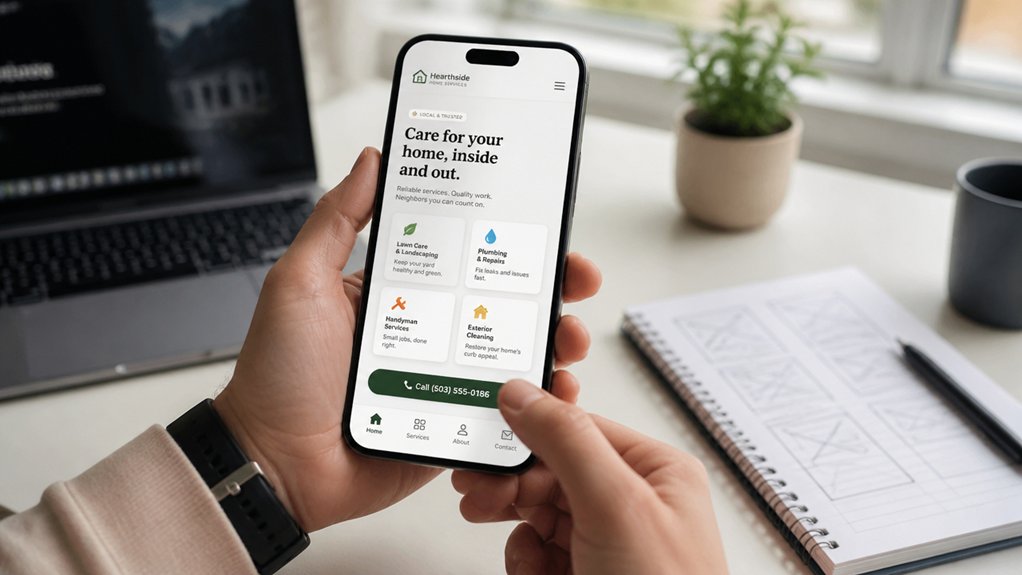
Because most local-service searches now happen on phones, you should design your site mobile-first—and specifically for thumbs.
Place your primary CTA (Call Now, Get Quote, Book) in the lower-right zone, where one-handed reach is highest, and keep forms to 3–5 fields so more visitors finish them.
Use a thumb friendly layout: large tap targets (44px+), high-contrast buttons, and short, scannable sections that match how people compare providers fast.
Prioritize your location, hours, and service area above the fold so prospects don’t hunt.
Add mobile gesture integration where it helps: swipeable reviews, tap-to-call, tap-to-map, and sticky navigation that doesn’t block content.
Test on real devices, not just emulators, to catch reach and glare issues.
Speed Up Your Site (Core Web Vitals Basics)
Google’s Core Web Vitals increasingly shape local rankings and lead conversion, so you can’t afford a sluggish site.
You’ll improve Largest Contentful Paint by prioritizing your main content and reducing JavaScript and CSS that block rendering.
You’ll also cut Cumulative Layout Shift by reserving space for images, ads, and embeds so your pages don’t jump while clients try to book.
Optimize Largest Contentful Paint
How fast does your main “above-the-fold” content show up after someone taps your site? Largest Contentful Paint (LCP) tracks when the biggest visible element—often your hero image or headline—finishes rendering. Google recommends 2.5 seconds or less; local customers won’t wait longer to book or call.
Start by prioritizing what they see first. Use image compression and modern formats (WebP/AVIF) for hero photos, and serve correctly sized images so mobile browsers don’t downscale huge files.
Improve font loading by preloading your primary font files, limiting font weights, and using `font-display: swap` so text appears immediately.
Finally, cache and deliver critical assets via a CDN to cut latency across your service area.
Reduce JavaScript And CSS
When you ship less JavaScript and CSS, your pages render faster and feel more responsive—especially on mid-range phones that dominate local search traffic. Speed matters: even a one-second delay can reduce conversions, and Google’s CWV scores influence visibility.
Audit your bundles and remove unused code first; most sites carry 30–60% dead CSS or JS. Minimize scripts by deferring noncritical features like chat widgets, popups, and analytics extras, and load them after user interaction.
Consolidate styles into a lean, critical CSS layer for above-the-fold content, then lazy-load the rest. Swap heavy libraries for native browser APIs and smaller components. Cache aggressively, enable compression, and serve modern formats (HTTP/2, Brotli).
You’ll cut blocking time, improve Interaction to Next Paint, and keep callers on-page.
Improve Cumulative Layout Shift
Even if your pages load fast, sudden layout jumps can tank trust and conversions, because Cumulative Layout Shift (CLS) measures how often elements move after the page starts rendering.
For local service sites, aim for CLS under 0.1 to protect leads from mis-clicks on “Call” and “Book Now.” Lock in layout stability by setting explicit width/height on images, logos, and icons, and reserve space for above-the-fold hero media.
Don’t inject banners late; preload web fonts and use font-display: swap with matched fallback metrics to keep visual consistency. Keep ads, widgets, and reviews in fixed containers, and avoid animating layout properties; animate transform instead.
Track CLS in PageSpeed Insights and real-user monitoring, then prioritize templates with the highest traffic and highest drop-off.
Make Pages Easy to Scan in 10 Seconds
Because most local-service visitors decide what to do next in a single glance, your page needs to communicate “what you do, where you do it, and how to book” in about 10 seconds.
Put a benefit-led headline above the fold, add your service area, and pair it with a single primary booking action.
Use visual hierarchy to guide scanning: bold H1, short subhead, then 3–5 bullets for core services or guarantees.
Prioritize font readability with 16–18px body text, high contrast, and generous line spacing so mobile users don’t pinch-zoom.
Replace paragraphs with labeled sections (Pricing, Availability, Reviews) and use icons sparingly to speed recognition.
Trend-wise, users trust proof fast—surface rating, recent jobs, and response time near the headline.
Simplify Navigation to 5 Key Choices
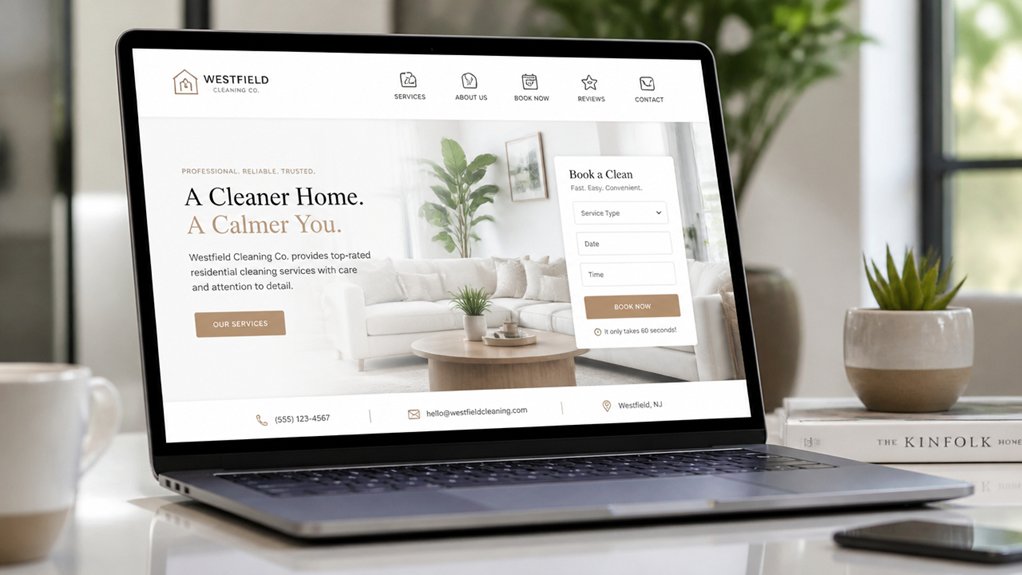
Keep your top navigation to five key choices or fewer, because crowded menus increase decision time and drop clicks on the pages that drive calls and bookings.
Use clear action labels—like “Book Service,” “Get a Quote,” or “Call Now”—so visitors instantly know what to do on mobile-first screens.
When you trim options and name them for outcomes, you guide clients faster to conversion and reduce bounce.
Limit Top Menu Items
While you might be tempted to list every service and location up top, a crowded navigation bar usually increases decision fatigue and pushes visitors to bounce. Aim for navigation simplicity by limiting your top menu to five high-intent choices that match what most callers ask for.
Analytics typically shows that a small set of primary links earns the majority of clicks, while long menus dilute attention and hide your best pages. Build a clear menu hierarchy: keep core pages in the header and nest secondary services, neighborhoods, and resources inside a single grouped option.
This keeps mobile headers clean and makes tap targets larger, which supports faster scanning and fewer misclicks. Review heatmaps and click paths monthly, then prune or regroup items that underperform.
Your goal is fewer choices, quicker confidence, more booked jobs.
Use Clear Action Labels
Five menu labels can outperform fifteen when each one reads like the next step a customer wants to take.
Replace vague links like “Services” or “Info” with action labels: “Get a Quote,” “Book Service,” “See Pricing,” “Read Reviews,” “Contact.” This call to action clarity reduces decision time and increases conversions, especially on mobile where attention is tight.
Treat labels and buttons as a coordinated system. Use consistent verbs, match them to high-intent tasks, and keep wording under three words.
Prioritize button placement: put your primary action in the header and repeat it after key sections (benefits, pricing, FAQs). Use one standout style for the main action and a quieter secondary option.
Track clicks per label and refine monthly.
Put “Call Now” and “Get a Quote” Up Top
If you want more calls and booked jobs from the same traffic, put “Call Now” and “Get a Quote” in the top section of your homepage where they’re instantly visible on mobile and desktop. That’s smart call to action placement: it cuts friction, shortens decision time, and captures high-intent visitors before they scroll or bounce.
Pair the buttons with strong headline prominence so your value and service area scan in under two seconds. Use a sticky header on mobile, and make the phone button tap-to-call with a large hit area.
Track results: clicks-to-call, form starts, and booked-job rate by device. Then A/B test button color, order, and spacing. Small above-the-fold wins typically lift leads without adding ad spend.
Write Homepage Copy That Matches Local Intent
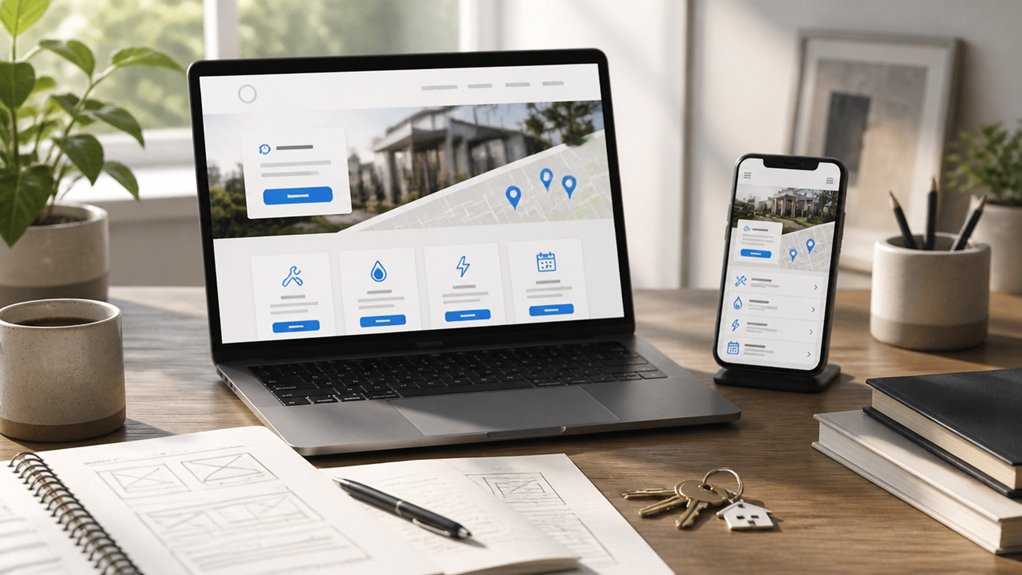
Match how locals search by leading your headline with the service and city (for example, “Emergency Plumber in Austin”). You’ll align with “near me” intent and improve relevance signals that influence clicks and local rankings.
Then reinforce trust fast by naming the neighborhoods you actually serve and using the terms residents use every day.
Lead With Service And City
While Google’s local results increasingly reward pages that signal relevance fast, your homepage should lead with your core service and your city—right in the headline and opening lines—so searchers instantly see they’ve found the right provider nearby.
Use a tight value statement under it: what you fix, how fast you respond, and what makes you reliable. Back it with proof: review count, average rating, years in business, and a clear service area note.
Put your primary CTA above the fold (“Call for same-day service”) and mirror it in your meta title and H1 for consistency.
Then reinforce trust with Personalized customer outreach details (texts, appointment reminders) and Community engagement signals (local partnerships, sponsorships).
You’ll reduce bounce and lift qualified calls.
Use Neighborhood-Specific Language
After you’ve led with your service and city, tighten relevance even more by using neighborhood-specific language that mirrors how locals actually search. Add “near me” modifiers, landmark references, and zip codes where they fit naturally: “Capitol Hill furnace repair,” “near Ballard Locks,” or “serving 98103.”
This Neighborhood language boosts query match and improves Quality Score signals, which can lower paid search costs and increase organic click-through.
Keep your copy client-first: name the problem, the ETA, and the outcome for each area you serve. Use a Community tone by mentioning parking quirks, building types, or seasonal issues (“older craftsman wiring,” “condo approvals,” “rainy-mold cleanup”).
Don’t stuff neighborhoods; choose 5–8 high-demand zones and link to dedicated pages.
Build Trust Fast With Reviews and Proof
Because most visitors decide whether to contact a local service provider within seconds, your website needs to surface trust signals immediately—right where people compare options. Put star ratings, review counts, and “verified by” badges near your primary CTA so confidence forms before doubt does.
Use customer testimonials that include a name, neighborhood, and outcome metric (“fixed in 45 minutes,” “saved $300”), and rotate them above the fold. Add social proof with recognizable logos, before/after photos, and short video reviews; video consistently lifts conversion rates in service categories.
Pull in fresh Google reviews automatically to prevent “stale site” signals, and show dates to prove recency. Finally, back claims with proof: licenses, insurance, guarantees, and response-time stats. You’ll reduce friction and earn clicks faster.
Show Services and Service Areas Clearly
Where do visitors look first to confirm you actually serve their neighborhood and handle their exact job? Put your top services and primary service area above the fold, in plain language, with one click to details.
Use scannable service cards, not long paragraphs, and group them with Service packaging (Good/Better/Best or one-time vs. maintenance) so people self-qualify fast.
Add a simple coverage map or “Cities we serve” list near booking to reduce wasted leads and improve conversion rates.
Pair Geographic targeting with real-world cues: travel fees, response times, and after-hours availability by zone.
If you offer emergency, commercial, or specialty work, label it upfront to cut bounce and calls that don’t fit.
Design for Local SEO: NAP, Schema, Locations
If you want Google to trust your service-area claims, your website’s design needs to surface consistent NAP (name, address, phone) details, structured data, and location signals in crawlable spots—not tucked inside images or sliders. Put NAP in the header or footer sitewide, and match it exactly to your Google Business Profile to protect NAP consistency.
Add a dedicated Locations page (or one per office) with an embedded map, driving directions, service-area copy, and localized FAQs. Use Schema markup (LocalBusiness, Service, and FAQPage) to clarify who you serve and where, and test it in Google’s Rich Results tool.
Keep hours, holiday updates, and review links visible to reduce friction and improve local intent signals.
Track Calls and Form Leads to Keep Improving
Once your local site starts ranking and converting, you need clean lead tracking to prove what’s working and what’s wasting budget. Set up call tracking numbers per channel (GBP, ads, organic, mailers) so you can tie revenue to sessions, not guesses.
Record and tag calls by intent, missed calls, and booked jobs, then fix leaks with staffing, routing, and after-hours options.
For forms, track every submit with event data, UTMs, and landing-page IDs, then push leads into your CRM for follow-up timing and close-rate reporting.
Run weekly dashboards: calls answered, form-to-appointment rate, cost per lead, and quality score. Use that data for lead optimization: refine offers, tighten copy, and improve pages that drive high-value jobs faster.
Conclusion
When you build mobile-first, you meet customers where they search: on a phone, in a hurry. A faster site (better Core Web Vitals) cuts bounce rates and lifts conversions, while scannable pages and a 5-choice menu reduce friction. Put “Call Now” and “Get a Quote” up top, stack reviews like bricks of trust, and spell out services and areas. Lock in NAP + schema, then track calls and forms to keep winning.