

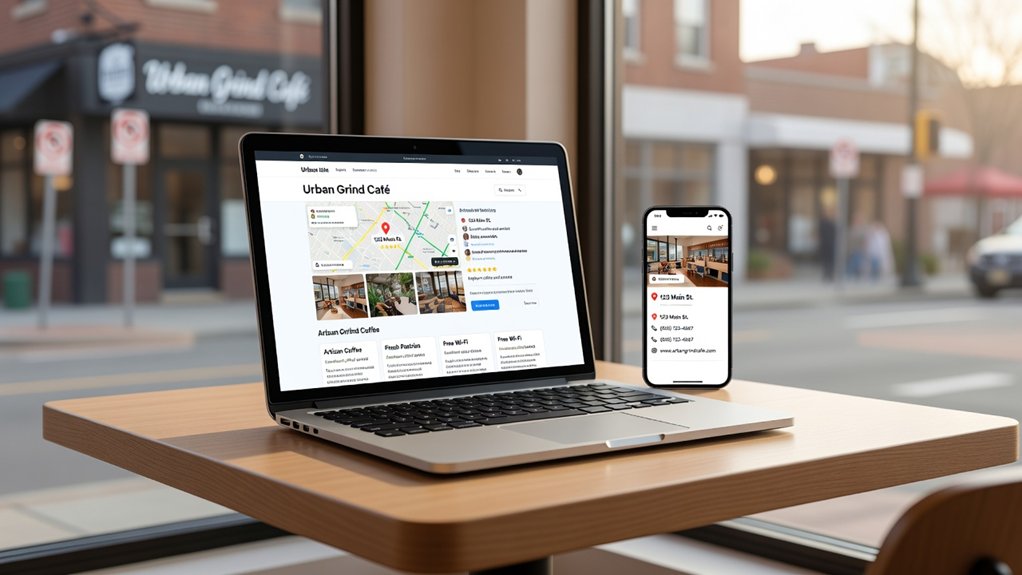
If you want more local calls and visits, you can’t rely on a single Google Business Profile update. You need clean, consistent NAP and hours across every page, local-focused titles and internal links, and service-area pages that match real search intent. Add LocalBusiness schema, tighten mobile speed, and make call, directions, and booking one tap away. Then place reviews and trust badges near your main CTAs—but the real lift comes from what you measure next.
Key Takeaways
- Standardize NAP, hours, and contact details sitewide to match Google Business Profile and citations, avoiding inconsistencies that hurt local trust.
- Create service-and-city pages with unique content, localized FAQs, and strong internal links using descriptive anchors like “plumber in Denver.”
- Add LocalBusiness and Service schema with address, geo, hours, and service area, then validate markup to improve local relevance signals.
- Improve mobile UX with fast load times, click-to-call, and tap-to-map links above the fold to boost engagement and conversions.
- Strengthen trust and tracking by showcasing reviews and badges near CTAs, and measuring calls, directions, and forms with GA4 events.
Fix Your NAP, Hours, and Contact Info Sitewide
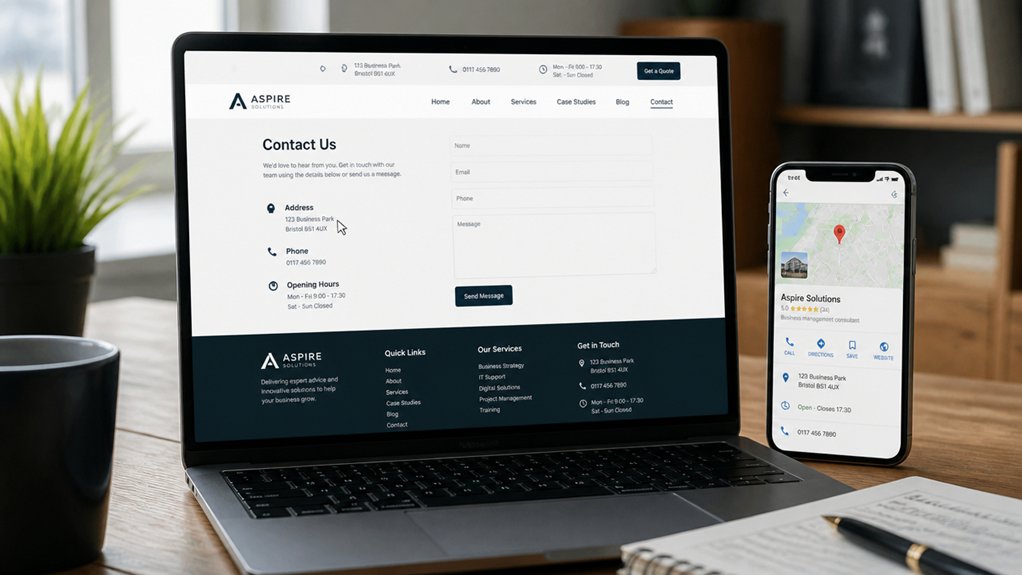
Because Google and customers compare your details across every touchpoint, you need consistent NAP (name, address, phone), hours, and contact info on every page—not just your homepage. Audit headers, footers, and location pages so your address format, suite numbers, and phone match your Google Business Profile and citations. Even small mismatches can dilute trust signals and increase “wrong location” bounces.
Build NAP consistency with a single source of truth: one standardized business name, one primary phone, and one canonical address. Put hours beside your phone, and update holiday hours before peak demand.
Improve Contact visibility by adding a persistent click-to-call number on mobile, a tappable address that opens maps, and an accessible contact module above the fold. Then test every template after updates.
Optimize Titles, Headings, and Internal Links for Local SEO
Once your NAP, hours, and contact info match everywhere, shift your focus to the on-page signals Google reads first: titles, headings, and internal links.
Use Title optimization to pair your primary service with your city and a differentiator, keeping titles under approximately 60 characters to reduce truncation and improve click-through rate.
Write one clear H1, then apply Heading structuring with H2s that mirror real queries (service, pricing, reviews, FAQs).
Strengthen topical relevance by linking from high-authority pages (homepage, popular posts) to key service pages using descriptive, local anchors (e.g., “HVAC repair in Austin,” not “click here”).
Keep navigation consistent, avoid orphan pages, and limit each page to a focused keyword set so users—and crawlers—scan faster and convert more.
Create Location Pages That Match Each Service Area
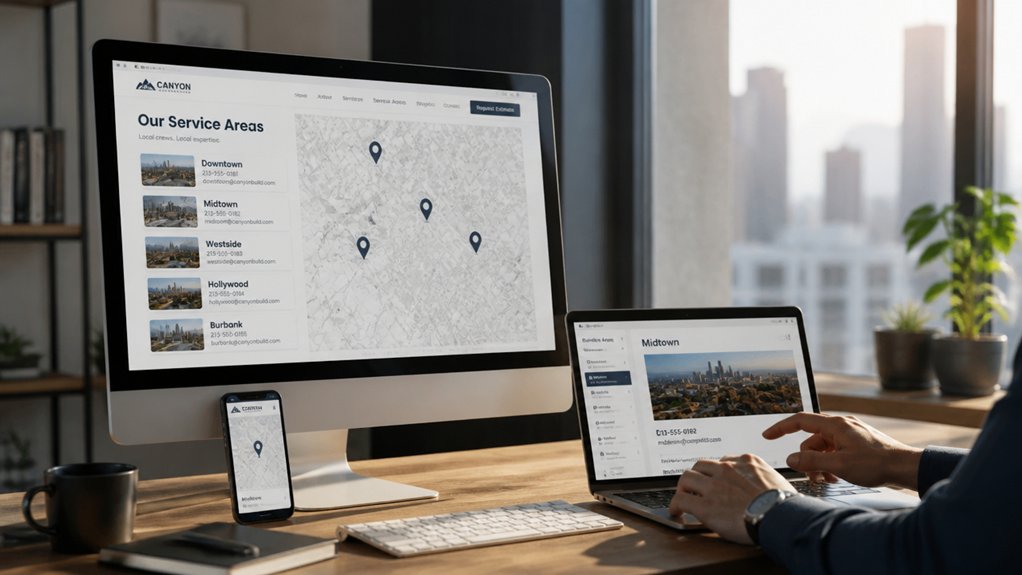
You’ll win more local searches when you build service-specific location pages that match each service area and reflect real intent (e.g., “AC repair in Midtown” vs. “AC repair in Downtown”).
On every page, you should standardize your NAP and add localized schema so Google can verify relevance and show richer local results.
When you align page copy, offers, and CTAs to each neighborhood’s needs, you reduce bounce rates and increase qualified leads.
Service-Specific Location Pages
Most local customers don’t search for “services near me” in the abstract—they search for a specific service in a specific place, like “water heater repair in Oak Park” or “lawn care in Westerville.”
Build service-specific location pages so each query lands on the most relevant page, not a generic homepage. Pair location-specific content with clear service area targeting: one page per service + city, with unique copy, FAQs, pricing ranges, and before/after examples tailored to that market.
Use internal links from your main service pages to each city page, and from city pages back to core services, so crawlers map topical relevance fast.
Track impressions and calls by page; you’ll quickly see which locations need stronger offers or more proof to convert.
Localized NAP And Schema
A consistent, localized NAP (name, address, phone) paired with the right schema markup helps Google connect your service-area pages to real-world business entities and rank them for “service + city” searches. Use one canonical NAP sitewide, then mirror it on each location page, footer, and contact block to reduce citation conflicts.
Add LocalBusiness schema with your address, serviceArea, geo, openingHours, and sameAs profiles; include Service schema for each offering. Track improvements by monitoring impressions and map-pack clicks in Search Console and GBP Insights.
For Neighborhood targeting, create unique city or neighborhood pages with localized FAQs, driving directions, and landmarks. Strengthen Community engagement by embedding reviews, local partnerships, and event mentions.
Keep each page’s URL, title, and H1 aligned with the city and service.
Add LocalBusiness Schema (and Test It in Google)
Because search engines rely on structured data to confirm real-world business details, adding LocalBusiness schema to your site helps Google match your NAP (name, address, phone), hours, and services to local intent queries. This can also reveal richer SERP features like knowledge panels and review snippets.
Use JSON-LD and include @type, geo, sameAs, serviceArea, and aggregateRating where eligible, keeping every field consistent with your GBP and onsite contact page.
Prioritize Schema implementation on your homepage and location pages, then extend to departments or practitioners if you’ve got them.
Run Schema validation in Google’s Rich Results Test and the Schema Markup Validator to catch missing required properties, invalid enums, and mismatched URLs.
After fixes, request reindexing in Search Console and monitor enhancements and impressions for uplift.
Improve Mobile Speed for Better Local Rankings
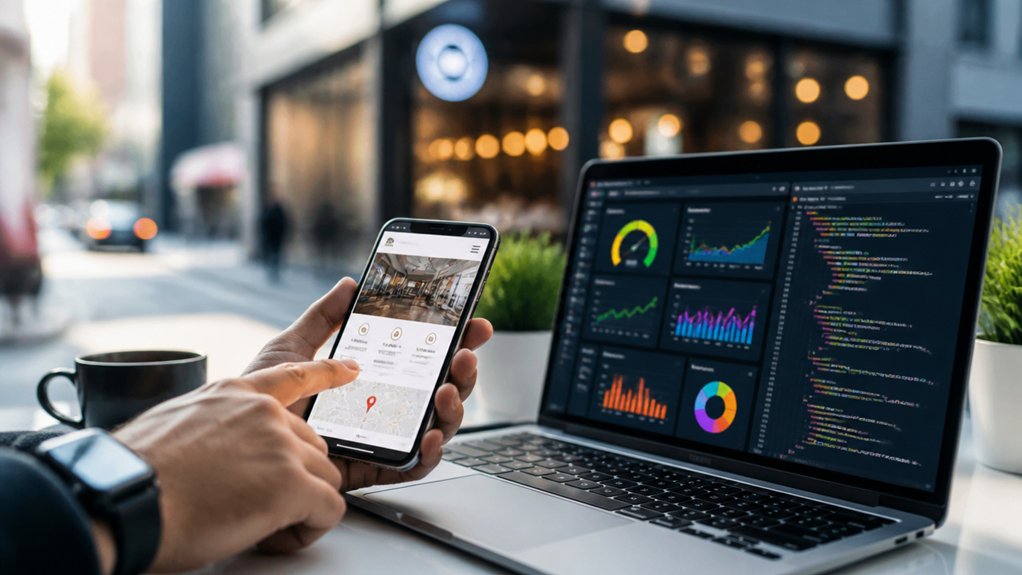
When your pages load slowly on mobile, you lose local intent traffic fast—Google tracks real-user speed signals (Core Web Vitals like LCP, INP, and CLS) and users bounce when a map, menu, or click-to-call takes too long to appear.
To raise local visibility, prioritize mobile-first performance: compress and lazy-load images, serve next-gen formats, and remove render-blocking scripts so above-the-fold content paints quickly.
Use Responsive design to avoid heavy duplicate assets and layout shifts that hurt CLS.
Turn on page caching and a CDN to cut TTFB and stabilize repeat visits from nearby searchers.
Audit in PageSpeed Insights and Search Console’s Core Web Vitals report, then fix the worst templates first.
Faster pages boost engagement signals and local rankings.
Make Calls, Directions, and Booking One Tap Away
You’ll capture more “near me” leads when you make key actions one tap away on mobile. Add a one-tap call button, instant directions links that open in the user’s map app, and streamlined booking access to reduce friction and increase conversions.
When users can contact, navigate, or schedule in seconds, you send stronger local engagement signals that support better rankings.
One-Tap Call Buttons
Even if your visitors love what they see, most won’t hunt for a phone number or address—so add one-tap buttons that let them call, get directions, or book instantly from every key page.
Place a click-to-call button above the fold on mobile, where local-intent searches dominate and speed drives conversions. Use clear labels (“Call Now,” “Book Appointment”), consistent styling, and large hit areas to improve tap functionality and reduce mis-taps.
Track clicks with event tagging so you can tie calls to pages, keywords, and campaigns, then refine placement based on performance.
Add a schema-marked phone number and keep your NAP consistent to support local SEO.
When you remove friction, user engagement rises and more sessions turn into real leads. Fast responses close deals.
Instant Directions Links
Because “near me” and map-based searches signal high purchase intent, instant directions links turn curious visitors into in-person traffic by removing the last big friction point: finding your location fast.
Place a “Get Directions” CTA in your header, footer, and location section, and make it device-aware so it opens Apple Maps or Google Maps in one tap.
Use Map integration with your exact NAP, pinned entrance, parking notes, and accessible routes, so customers don’t bounce at the curb.
Add UTM parameters to your directions URL and connect it to GA4 for traffic analysis, then compare clicks by page, device, and time of day.
If directions clicks rise alongside store visits, you’ve tightened your local funnel and improved conversions.
Streamlined Booking Access
Getting someone to your doorstep is only half the local conversion—once they’re ready to act, your site should let them call, get directions, or book in a single tap.
Put sticky click-to-call, “Get Directions,” and “Book Now” buttons above the fold on mobile, where most local intent searches happen.
Link phone numbers with tel: and maps with a one-tap deep link to Google or Apple Maps to cut friction.
For an Online appointment, embed a fast scheduler that confirms instantly, supports rescheduling, and loads in under 2 seconds.
Add LocalBusiness schema and Appointment URL markup so searchers see booking options in results.
Track taps, completions, and drop-offs to refine placement and boost Customer engagement and conversions.
Add Reviews, Badges, and Trust Proof Near Key CTAs
When someone’s deciding whether to call, book, or request a quote, trust signals placed right next to your primary CTAs can lift conversion rates by reducing last-second doubt.
Place a short review snippet, star rating, and reviewer name beside your “Call Now” or “Book Online” button so visitors don’t have to scroll to validate you.
Add Customer testimonials that mention your city, service type, and outcome to reinforce local relevance and on-page SEO.
Include Trust badges for licenses, insurance, payment security, and warranties, and keep them tight to the CTA on mobile.
Use schema-friendly review markup where appropriate, and link to a full reviews page for transparency.
Rotate fresh quotes and remove outdated badges to stay credible.
Track Local SEO KPIs (Rankings, Calls, Directions, Leads)
A strong local presence needs measurement, not guesswork, so track Local SEO KPIs that map directly to revenue: keyword rankings in your service area, calls from Google Business Profile, direction requests, form fills, and booked leads.
Set up Keyword tracking by zip code and device, then tie each term to a page and intent (call, visit, quote). Watch call volume and direction clicks by day to staff smarter and adjust hours.
Connect forms and bookings to UTM-tagged sources so you know what converts.
Run Competitor analysis monthly: compare map-pack visibility, review velocity, and category choices to spot gaps.
If rankings rise but leads don’t, tighten CTAs, add local proof, and improve page speed and mobile UX today.
Conclusion
You’ve heard the theory: “A nicer-looking site boosts local rankings.” Test it with data, and you’ll see it’s not looks—it’s accuracy, speed, and trust. When your NAP and hours match everywhere, your location pages target real queries, and your LocalBusiness schema validates details, you reduce friction and increase visibility. If mobile loads faster and calls, directions, and booking are one tap away, conversions climb. Add reviews near CTAs, then track calls, leads, and rankings weekly.