


Most drivers decide whether to trust your garage in seconds, and your website usually makes that call for them. You can tighten this up fast by putting your address, phone number, opening times, and latest reviews right at the top, then backing it with clear service descriptions, real photos, and plain-English pricing and warranty terms. Add accreditations and insurance details, and make MOT booking doable in half a minute—but one small change often makes the biggest difference…
Key Takeaways
- Display consistent NAP, opening hours, and click-to-call on every page, with an above-the-fold address and map link.
- Add credibility signals: certifications, accreditations, awards, VAT/Companies House details, and verification links, kept current with renewal dates.
- Publish clear insurance and warranty pages showing coverage, limits, exclusions, and straightforward claims steps with timescales and contact details.
- Showcase genuine reviews, testimonials, and real team/workshop photos near the hero section and relevant service pages.
- Make services and pricing transparent with “from” prices, inclusions, potential extras, and a simple online booking flow with instant confirmation.
Add the Must-Haves on Every Garage Website
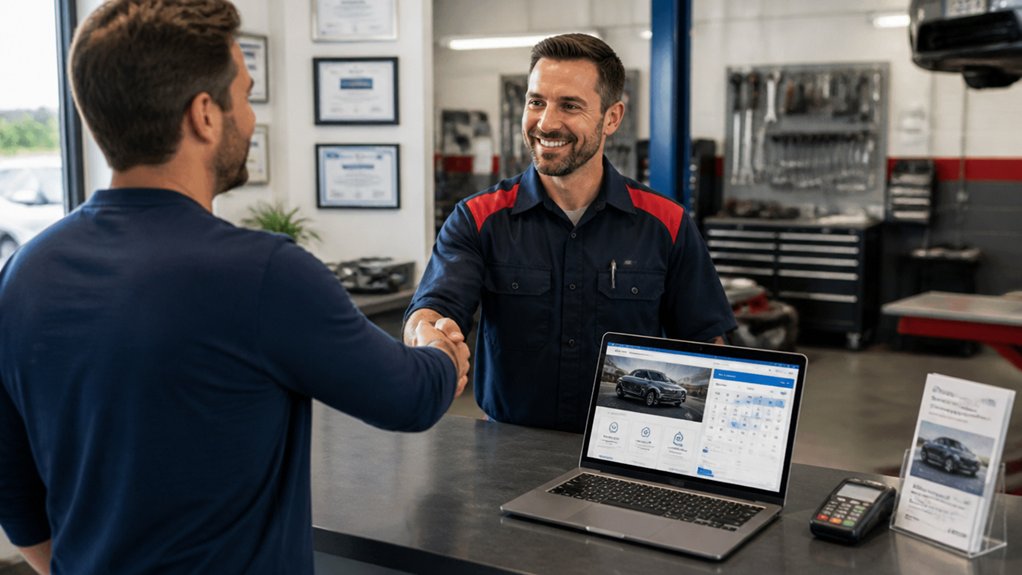
Whether you run a single-site workshop or a growing garage group, your website needs a few non-negotiables to turn local searches into booked jobs. Put your full NAP details in the header and footer, add a clickable phone number, and list opening hours, MOT status, and service areas (towns and postcodes).
Show clear pricing signals: labour rate, MOT fee, or “from” prices, plus what’s included.
Build trust fast with VAT number, Companies House details, and logos for IMI or Motor Ombudsman if applicable.
Add a simple booking form with service type, reg plate, and preferred dates to improve Customer engagement.
Publish FAQ pages on warranties and parts.
Track calls, form submits, and clicks with Website analytics, then refine pages based on what converts.
Make Your Garage Website Look Modern (Fast Wins)
Because first impressions happen in seconds, a modern-looking garage website should feel clean, fast, and easy to use on a phone. Start by switching to a simple layout with plenty of white space, clear headings, and one primary call-to-action per page.
Use a consistent colour palette and typefaces that match your signage and uniforms so your visual branding feels familiar to local drivers. Replace blurry workshop photos with bright, real images of your team, ramps, and reception.
Tighten your copy: short sentences, plain English, and UK terms customers recognise (MOT, servicing, tyres).
Speed is a trust signal, so compress images, remove heavy sliders, and limit plugins.
Keep navigation minimal: Services, Prices, About, Contact, Book Online. That’s modern design without a full rebuild.
Put Reviews, Address, and Phone Number at the Top
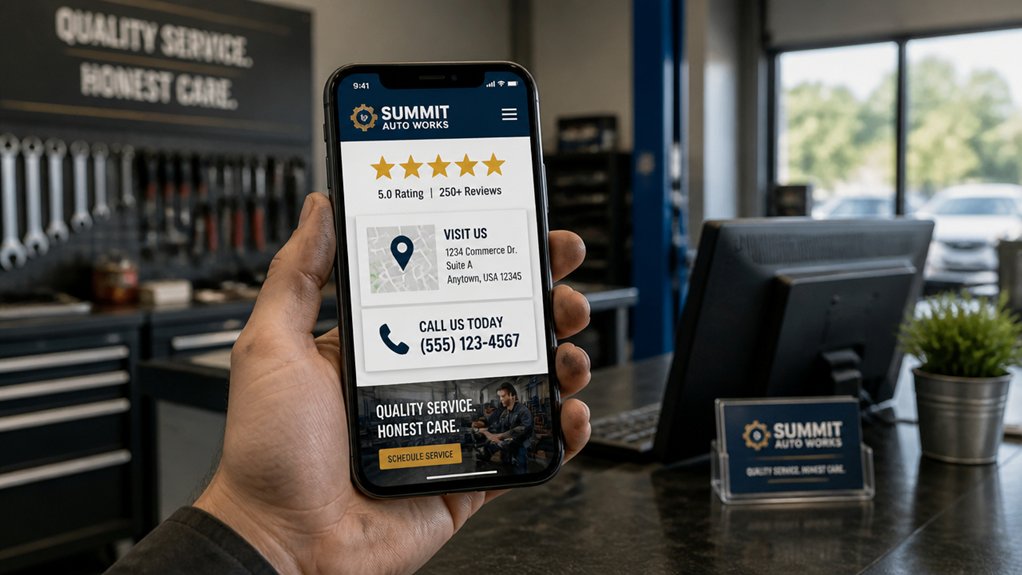
Put your phone number and click-to-call option at the very top of every page so customers can book fast.
Show your full UK address and street location above the fold, ideally with a map link, so people know you’re local.
Add review ratings and key trust signals in the same header area to build confidence before they scroll.
Prominent Contact Details
How quickly can a potential customer reach you when their car won’t start? Put your phone number in the header on every page, make it click-to-call on mobile, and repeat it near your main call-to-action. This Contact prominence reduces hesitation and increases bookings.
Add your opening hours beside the number so people don’t waste time ringing when you’re shut.
Next, support customer accessibility by placing your review rating and count above the fold, using trusted platforms UK drivers recognise.
Keep your contact email visible for non-urgent queries, and add a simple enquiry form with only essential fields.
Display your full postal address at the top too, so visitors can confirm you’re local before they call.
Keep all details consistent across pages and your Google Business Profile.
Visible Street Location
When a driver’s deciding who to call, they’ll choose the garage that looks closest and most trusted at a glance. Make your street location impossible to miss by placing your full address, local phone number, and star rating at the very top of every page.
Use the exact format shown on your invoices and Google Business Profile, including postcode, so sat-nav searches match. Add a small embedded map with a “Get directions” link, plus your opening hours and a note like “opposite the Tesco Express” to boost neighborhood visibility.
If you’ve got clear street signage, mention it and include one exterior photo so customers can spot you quickly on arrival. Keep it consistent across pages, and you’ll reduce call hesitation and missed visits.
Trust Signals Above Fold
Even if your workmanship’s excellent, most drivers decide in seconds whether your garage feels legit, so show trust signals above the fold on every page.
Put your phone number in the header and make it click-to-call on mobile, with opening hours beside it.
Display your full street address under the logo and link it to Google Maps for easy directions.
Add a short strip of Customer testimonials near the hero image, ideally with star ratings and first names from real local customers.
Reinforce credibility with Trust badges: IMI, ATA, DVSA-approved tester (if applicable), VAT registration, and secure payment icons.
Keep these elements consistent across your homepage, service pages, and booking page, so visitors never hunt for proof you’re a genuine UK garage.
Explain Your Garage Services With Real Examples
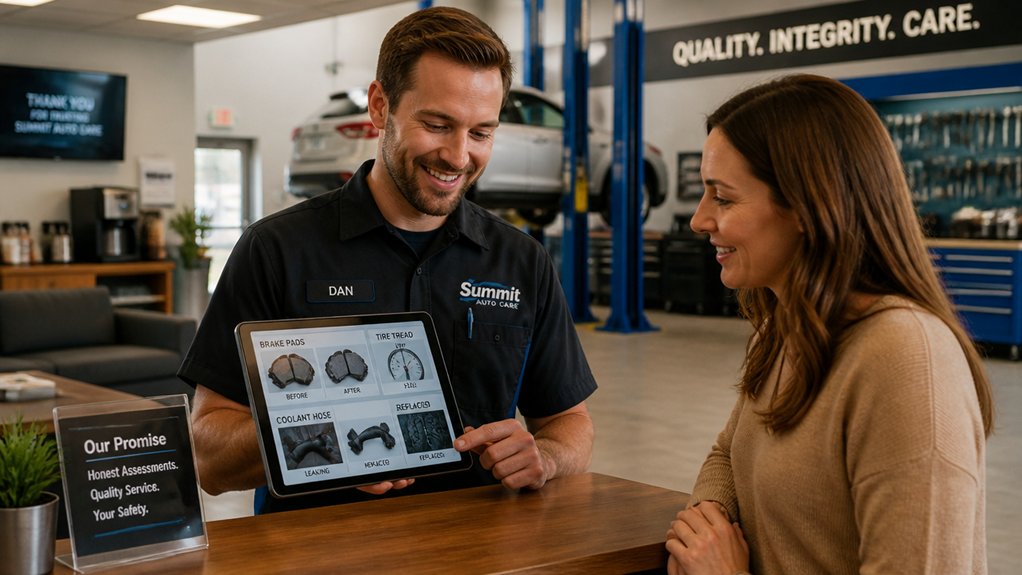
Three clear, real-world examples will make your garage services instantly easier to understand and far more persuasive. For MOT prep, describe a typical case: a customer’s advisory list, your pre-check, the repairs completed, then the pass result. For diagnostics, show how you traced an intermittent engine light using live data, confirmed the faulty sensor, and resolved the issue with a road test. For servicing, outline what you did on a high-mileage diesel: filters, oil spec, brake inspection, and a written maintenance plan. Add a short “why choose us” note under each example to strengthen Service differentiation (dealer-level tools, same-day slots, collection in your area). Pair each example with Customer testimonials that mention the same problem and outcome. Keep it skimmable with headings and before/after bullets.
Show Pricing, Estimates, and What’s Included
Because most drivers just want a straight answer before they book, put clear “from” prices and what’s included on every key service page—MOT prep, servicing, brakes, tyres, and diagnostics—and make it easy to request a written estimate.
Back this up with Pricing transparency: explain what can change the final cost, such as parts quality, vehicle make, seized bolts, or additional faults found during inspection.
List Service inclusions in plain English: labour time, parts fitted, fluids, disposal fees, and whether VAT is included. Add example price bands (e.g., “from £X–£Y for most small cars”) and state your hourly rate for unforeseen work.
Show how you’ll confirm extra costs before proceeding, and include a downloadable estimate template so customers know what they’ll receive.
Make Booking an MOT or Repair Take 30 Seconds
When your customer’s already decided they need an MOT or repair, don’t make them hunt for a phone number or fill in a long form—get them booked in within 30 seconds.
Put a bold “Book MOT/Repair” button above the fold on every page, especially mobile.
Use Online scheduling with a simple 3-step flow: select service, choose date/time, enter reg and contact number.
Pre-fill details where possible and offer “call me back” as a fallback.
Show next available slots, opening hours, and postcode-based directions so they know you’re local.
Send instant confirmation by SMS and email, plus a calendar link.
Keep it Quick booking by limiting fields, avoiding account creation, and highlighting what happens next.
Add payment only after confirmation.
Use Photos to Prove Your Garage Is Legit
Even if your prices and reviews look spot on, customers still want visual proof you’re a real, trustworthy local garage. Add a clean photo of your frontage with the street name visible, plus your reception desk and waiting area, so locals recognise you instantly.
Show your team at work: technicians servicing brakes, diagnostics on screen, and tidy bays. Use consistent lighting and avoid stock images. Include before-and-after shots (with customer permission) to demonstrate results. Pair images with short captions that explain what you did and why it mattered for safety.
Add a gallery section for Customer testimonials: a headshot, first name, and vehicle model builds credibility. Finally, photograph your training wall or workshop notices to highlight Service certifications without turning it into a sales pitch.
Add Accreditations, Insurance, and Warranty Details
Put your trade accreditations (such as IMI or ATA) front and centre, and link to your certificates so visitors can verify them quickly.
State your insurance cover clearly—what you’re insured for, the provider, and policy details—so customers know their vehicle’s protected.
Explain your warranty terms in plain English, including what’s covered, how long it lasts, and how to make a claim.
Showcase Trade Accreditations
How do you reassure potential customers that your garage meets the standards they expect? Put your trade accreditations front and centre on your website.
List your Trade certifications (for example, IMI, ATA, or Bosch Car Service) and link to the accrediting body where possible. Add clear badges near key conversion points: header, booking page, and service pages.
Don’t just show logos—explain what each accreditation means in plain UK terms: vetted technicians, audited processes, or compliant equipment. Include the date achieved, renewal status, and any scope limits (e.g., MOT testing only).
If you’ve earned Industry awards, create a short “Awards” strip with year, category, and who awarded it.
Keep everything consistent with your garage name and address for trust.
Highlight Insurance Coverage
Where do customers look for reassurance when they’re handing over their keys? They scan your website for clear Insurance coverage and proof that you’ll handle any mishaps responsibly.
Add a dedicated “Insurance” section to your homepage and booking pages, and state what policies you hold (e.g., public liability, road risk, employers’ liability if applicable). Name your insurer, policy type, and headline limits, and include renewal dates so it feels current.
Upload a certificate or provide a downloadable PDF for quick checks. Make coverage validation easy: show how customers can confirm details with the insurer or your broker, and add a contact name for queries.
Keep it plain-English, UK-specific, and visible on mobile too.
Explain Warranty Terms
Before you book a car in, spell out your warranty terms clearly so customers know exactly what’s covered, for how long, and what you’ll do if a fault comes back.
Put Warranty clarity front and centre on key pages, not buried in PDFs.
List Coverage details for parts, labour, diagnostics, and consumables, and state any exclusions (wear and tear, pre-existing faults, customer-supplied parts).
Explain the claim process: who to contact, required paperwork, timescales, and whether you’ll offer a courtesy car.
If you’re VAT-registered, say so, and display relevant accreditations (IMI, ATA, Motor Ombudsman) with links for verification.
Confirm you’re insured for road risk and public liability, and match terms to UK consumer rights to avoid disputes later.
Improve Local SEO So Nearby Drivers Find You
Even if your garage offers brilliant service, you’ll lose nearby custom if local search engines can’t connect your site to your location. Put your full NAP (name, address, phone) in the header and footer, and match it exactly on every page.
Optimise your Google Business Profile with accurate hours, services, and regular posts, then add photos of your workshop and team.
Use Local keywords naturally in page titles, H1s, and service pages (for example, “MOT in Leeds” and “brake repairs near Headingley”). Create location pages for each area you cover, with map embeds and clear directions.
Build trust with reviews and schema markup. Finally, prioritise citation building across UK directories like Yell, Thomson Local, Bing Places, and Apple Maps.
Conclusion
If you want locals to trust your garage, make every click feel certain: put your address, phone number, reviews, and accreditations front and centre, and keep pricing and warranty terms plain and visible. One telling stat: BrightLocal found 98% of consumers read online reviews for local businesses—so your reputation is often your first “conversation.” Add real workshop photos, fast MOT/repair booking, and clear estimates, then keep your NAP consistent for local SEO.