

You’ve probably landed on a small business site, waited three seconds, then left because it felt like a shop with no signage. If you want more calls and enquiries, you can’t rely on a single homepage and hope people figure it out. You need a set of core pages that show what you do, where you work, why you’re credible, and how to take the next step. Miss one, and your best traffic quietly disappears…
Key Takeaways
- A clear, mobile-friendly homepage that states your value proposition, core services, proof points, and a primary call to action.
- An About page that explains your mission, who you serve, and credibility markers like credentials, awards, and real team photos.
- Service pages that detail outcomes, deliverables, pricing ranges, FAQs, and next-step CTAs like “book,” “quote,” or “buy.”
- A contact/booking or quote page with a short form, clear labels, privacy reassurance, and automated confirmations to speed lead follow-up.
- Trust and compliance pages—Privacy Policy, Terms and Conditions, and Refund Policy—linked in the footer and near checkout to reduce disputes.
Homepage: The Small Business Website Page That Hooks
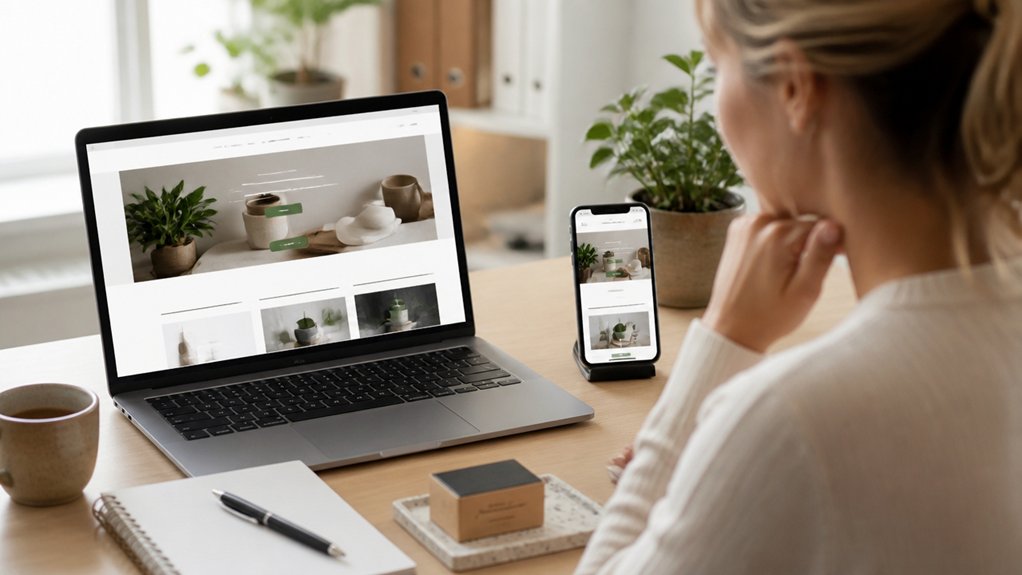
Your homepage has one job: hook visitors fast and guide them towards action. Lead with a clear value proposition, a benefit-led headline, and one primary call to action, so people know what to do next. Keep navigation tight, highlight your core services, and surface proof points like key results, logos, or review snippets without overwhelming the page.
Build branding consistency with matched colours, typography, imagery, and tone, so visitors recognise you instantly across every touchpoint. Prioritise mobile optimization: fast load times, thumb-friendly buttons, readable text, and compressed images, because most local searches happen on phones.
Add keyword-rich headings, a concise intro, and internal links to service and contact pages to strengthen SEO and move users smoothly towards enquiries and bookings.
About: The Trust Page That Makes You Real
Why should someone trust a small business they’ve never met? Your About page answers that fast by showing the human behind the name, your values, and your track record.
Lead with your mission, who you serve, and the problem you’re committed to solving, then back it up with proof: years in business, credentials, awards, or community involvement.
Use visual storytelling with real photos of you, your team, and your workspace to reduce scepticism and boost time on page.
Keep branding consistency across tone, colours, and imagery so visitors feel continuity from your homepage to every touchpoint.
Include a short origin story, a clear promise, and links to testimonials or case studies to strengthen trust and improve conversion.
Services: What You Do, Pricing Cues, Next Steps
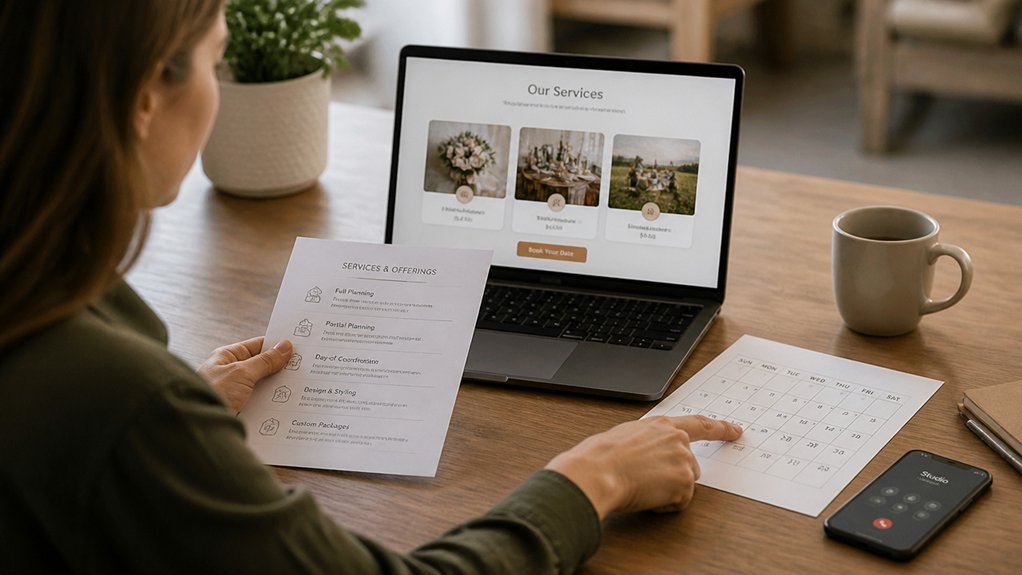
Even if visitors like your brand, they won’t convert until they can see exactly what you offer, what it costs (at least in ranges), and how to get started. Your Services page should spell out each core service in plain language, with outcomes, deliverables, and who it’s for.
Add proof points like timelines, inclusions, and FAQs to remove doubts fast.
Use clear pricing cues: “from” rates, tiered options, or typical ranges, supported by smart pricing strategies that match value to buyer intent.
Present service packages so prospects can self-select without emailing back and forth.
Then guide next steps with one primary call to action: book a call, request a quote, or buy online.
Keep forms short and friction-free throughout.
Service Area: Where You Work (Local SEO Proof)
Although many small businesses serve customers beyond a single postcode, a dedicated Service Area page shows exactly where you work and helps Google match your site to local searches.
List the towns, boroughs, counties, and neighbourhoods you regularly cover, and note any travel limits or call-out fees. This gives visitors confidence you’ll reach them and strengthens Local visibility for “near me” and location-modified queries.
Use clear headings, a map embed, and internal links to relevant service pages for better geographic targeting.
Add practical details like response times, parking constraints, and whether you serve commercial, residential, or both in each area.
Keep the copy specific and consistent with your Google Business Profile so your signals align across the web and improve rankings.
Reviews: Social Proof That Removes Doubt

Once you’ve shown exactly where you work, the next thing visitors need is proof you’ll deliver on what you promise. A dedicated Reviews page turns scepticism into confidence by showcasing real outcomes, not sales copy.
Feature a mix of customer testimonials and user reviews from trusted platforms, and include names, locations, and service types where possible to add credibility. Highlight specific results, timelines, and problem-solution details so prospects can picture their own success.
Keep the layout scannable with star ratings, short quotes, and longer case-style feedback for depth. Add fresh reviews regularly, respond professionally to criticism, and show how you resolve issues.
This signals reliability, improves conversion rates, and supports local SEO by reinforcing relevance and trust signals for your business.
Contact: The Fastest Way to Reach You
If a customer’s ready to book or ask a quick question, your Contact page should make reaching you effortless. Put your phone number and email at the top, add click-to-call on mobile, and list your opening hours so you set clear expectations.
Include your full address and a map to support local SEO and help walk-in customers find you fast. Add a short note on typical response times, plus a dedicated section for urgent enquiries.
Reinforce trust with links to Customer testimonials and a brief statement of your Service guarantees, so people feel confident before they reach out.
Keep the page simple, accessible, and consistent with your branding, and you’ll reduce friction and missed opportunities.
Booking/Quote: The Page That Captures Leads
Your booking/quote page turns ready-to-buy visitors into qualified leads when you keep the booking form simple and quick to complete.
Offer instant quote requests so prospects can confirm pricing and availability without waiting.
Then automate lead follow-up with confirmations and reminders, so you don’t lose enquiries and you secure more bookings.
Simplify Booking Form
Three fields can beat thirty when you want more enquiries. On your Booking/Quote page, ask only for name, contact details, and preferred date or time. This helps you simplify booking and reduces drop-offs, especially on mobile.
Use clear labels, a single-column layout, and inline validation so visitors don’t hit errors after they’ve invested time. Add concise privacy reassurance near the submit button to build trust.
Offer selectable time windows rather than free-text to streamline scheduling and cut back-and-forth. Keep optional questions hidden behind “Add details” so committed leads can share more without blocking everyone else.
Finish with a strong, benefit-led call to action like “Request a callback” to drive completions. Test, measure, refine regularly.
Instant Quote Requests
A streamlined booking form removes friction, but instant quote requests add speed and certainty when visitors want a price now.
Add a dedicated quote page that asks only for essentials: service type, location, timeline, and key specs. Use smart fields, dropdowns, and conditional questions to keep it fast on mobile and accurate on desktop.
Display instant quotes or a clear price range with inclusions, exclusions, and any call-out fees, so you set expectations upfront.
Offer quick pricing options for common packages, then let visitors customise extras for more precise estimates.
Keep your call-to-action direct: “Get an instant quote”.
Reinforce trust with reviews, licences, and turnaround times, and confirm what happens next after they submit.
Automate Lead Follow-Up
Once someone requests a booking or quote, automated follow-up turns that form submission into a confirmed job. You reduce drop-offs by sending an immediate confirmation, clear next steps, and an expected response time.
With Email automation, you can trigger a personalised sequence: thank-you message, tailored service details, and a prompt to schedule a call or choose an appointment slot.
You also improve lead nurturing by segmenting enquiries by service type, urgency, and location, then matching content to intent. Add reminders if they don’t reply, plus a final check-in that keeps your business top of mind.
Include a direct phone number, clickable calendar link, and FAQs to remove friction. When your follow-up runs in the background, you win faster responses and more booked work.
Policies: Privacy, Terms, Refunds (Trust + Compliance)
You build trust and meet compliance requirements when you publish clear website policies, including a Privacy Policy, Terms and Conditions, and a Refund Policy.
You should state what personal data you collect, why you collect it, how you store it, and what rights customers have.
You’ll also reduce disputes by setting out payment terms, delivery or service expectations, cancellations, and refund timeframes in plain, consistent language.
Clear Privacy Policy Essentials
Even if your site only collects a name and email, clear policy pages build trust and help you meet key legal and platform requirements. Your Privacy Policy should state what personal data you collect, why you collect it, and the lawful basis you rely on.
Explain how you obtain user consent for marketing, cookies, and newsletter sign-ups, and how visitors can withdraw it.
Describe where data is stored, who you share it with (such as email or analytics providers), and how long you keep it.
Confirm the security measures you use, including data encryption, access controls, and breach response steps.
Include contact details for privacy queries and outline rights under UK GDPR, including access, correction, and deletion.
Link it in your footer and on forms sitewide.
Terms And Refund Policy Clarity
Although many small business sites treat legal pages as an afterthought, clear Terms and a straightforward Refund Policy set expectations, reduce disputes, and support compliance with UK consumer law.
Put your Terms page where customers can find it before checkout, and write in clear language that explains who you are, what you sell, delivery timelines, acceptable use, and limits of liability.
For refunds, prioritise refund transparency: state eligibility, timeframes, return conditions, digital download rules, and how customers start a return.
If you charge restocking fees or exclude personalised items, say so plainly.
Link to your Privacy Policy and cookie details for a joined-up compliance trail.
Finally, summarise key points near your pricing and checkout, so customers can’t miss them and you reduce chargebacks.
Conclusion
You don’t need a massive website to win more customers—you need the right pages working together. A clear homepage, credible About section, detailed services, local service area pages, reviews, contact, and booking/quote flow make it easy for people to trust you and take action. Worried it’s “too much” to build? Start with the essentials, then expand. These pages improve user experience, boost local SEO visibility, and turn more visitors into enquiries.