


Like David taking on Goliath, you can look bigger online without a big budget. Start by tightening your brand kit—one logo, a consistent colour palette, and two fonts—then apply it everywhere. Make your website prove credibility fast with clear contact details, testimonials, and simple policies. Keep your Google Business Profile and social posts active with repeatable content pillars. Next, you’ll want a few trust signals that quietly do the heavy lifting…
Key Takeaways
- Optimize your website for speed, mobile usability, clear services, and trust signals like testimonials, policies, and secure checkout badges.
- Build a consistent brand kit—logo, colors, fonts—and apply it across your website, social profiles, emails, and visuals.
- Fully complete and actively update your Google Business Profile with photos, posts, messaging, and consistent NAP across all listings.
- Post on a predictable schedule using content pillars (expertise, proof, personality) and cohesive templates to create a steady, professional presence.
- Collect and showcase reviews prominently, respond to every review, and reuse top testimonials across landing pages, social posts, and ads.
Start With a “Look Bigger Online” Checklist
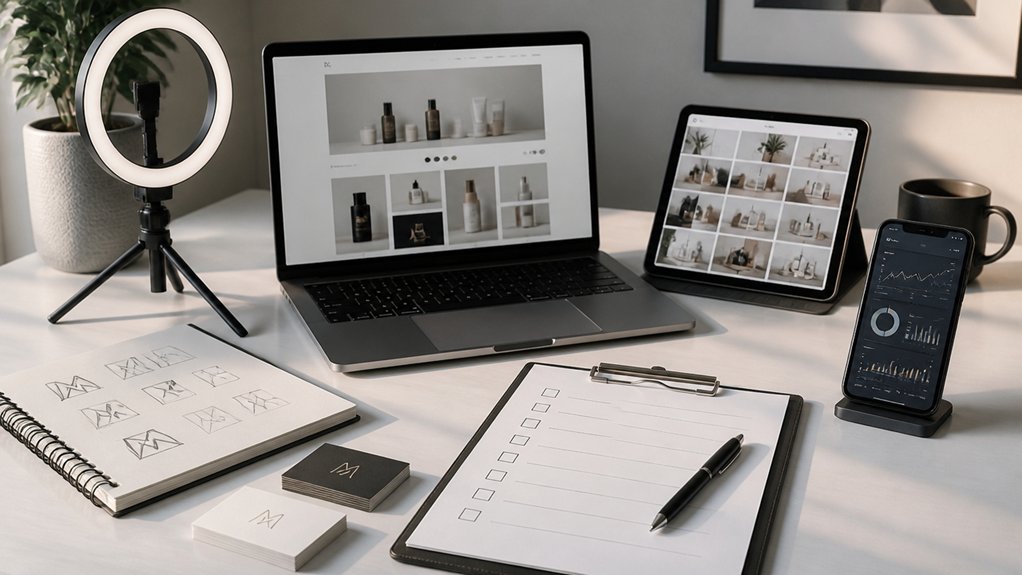
Before you spend a penny on ads, run a quick “look bigger online” checklist to make sure every public touchpoint signals credibility.
Audit your website for clear services, pricing cues, FAQs, and a prominent contact page with phone, email, and location. Check mobile speed, broken links, and spelling—small errors shrink trust fast.
Update your Google Business Profile: correct categories, opening hours, photos, and service areas; reply to every review within 48 hours.
Align your social bios with one sharp promise and consistent links; pin an intro post that uses Brand storytelling to explain who you help and how.
Add proof: case studies, testimonials, and media mentions.
Set up quick-response DMs and an enquiry form to lift Customer engagement.
Build a Simple Brand Kit (Logo, Colors, Fonts)
Next, you’ll build a simple brand kit so your online presence looks consistent everywhere.
Choose 2–3 core brand colours and apply them across your logo, website, and social posts to create instant recognition.
Set one clear font pairing (a headline font and a body font) and stick to it for every page, graphic, and email.
Choose Core Brand Colors
Although your logo may grab attention first, your core brand colours do the heavy lifting across your website, social posts, and packaging, so choose them with intent.
Pick one primary colour that signals your positioning using color psychology: blue for trust, green for wellbeing, black for premium, orange for energy.
Add one secondary colour for variety and one accent colour for calls to action, then limit yourself to these three.
Check accessibility: guarantee strong contrast for text and buttons, and test your palette in light and dark modes.
Document exact values (HEX, RGB, CMYK) so every freelancer and tool matches them.
Apply them consistently to headers, icons, backgrounds, and product shots to lock in branding consistency and make your business feel established and recognisable.
Set Consistent Font Pairings
Once you’ve locked in your core colours, set consistent font pairings so every page, post, and PDF looks like it came from the same business. Pick one primary typeface for headings and one for body text; two fonts are usually enough.
Aim for Typography harmony by mixing a bold, distinctive heading font with a highly readable body font (often a clean sans serif).
Define a clear Font hierarchy: H1, H2, H3, body, captions, buttons, and quotes. Set sizes, weights, and line spacing, then record them in your brand kit.
Use the same rules on your website, social templates, email signature, proposals, and invoices. Check mobile legibility and avoid novelty fonts.
If you must add a third font, limit it to accents only.
Make Your Website Look Credible in 5 Fixes
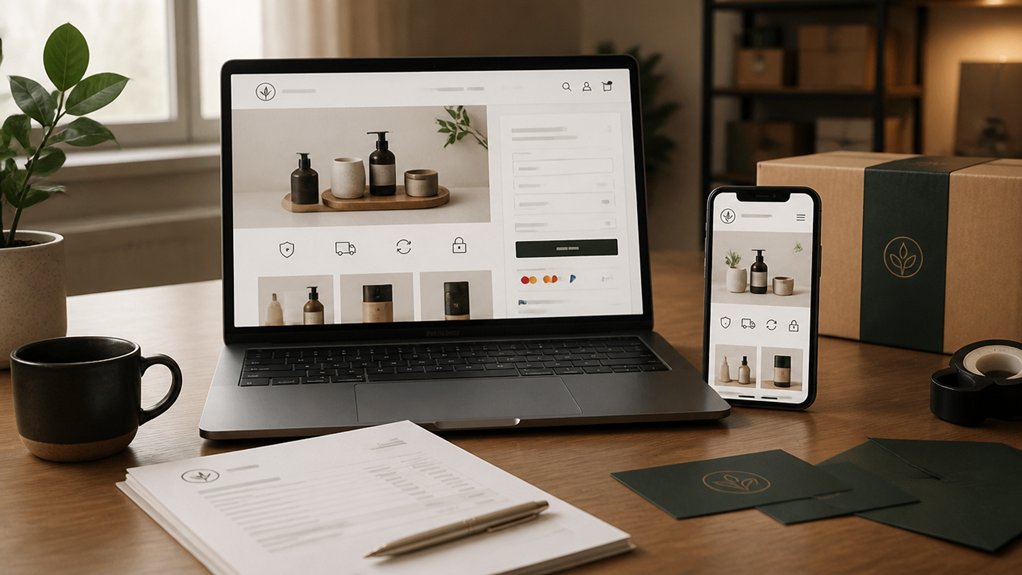
Carry your brand kit through every page so your colours, fonts, and logo feel consistent and intentional.
Tighten your layout, improve readability, and use high-quality imagery so your site looks professional at a glance.
Then add essential trust signals—clear contact details, customer testimonials, secure checkout badges, and up-to-date policies—so visitors can trust you quickly.
Brand-Consistent Visual Design
If your website’s visuals don’t match your brand, visitors will question your credibility within seconds. Lock down a simple visual system and apply it everywhere: homepage, service pages, blog, and contact.
Choose two primary colours and one accent, guided by colour psychology, then use them consistently for buttons, links, and highlights.
Limit fonts to two families and set clear rules for headings, body text, and spacing.
Use high-quality images with a consistent style (lighting, cropping, and tone), and avoid mismatched stock photos.
Place your logo in the same position on every page and respect logo symbolism by keeping clear space and correct proportions.
Build a short style guide so any future updates stay on-brand and consistent.
Essential Trust Signals
Even with polished branding, your site won’t feel legitimate until visitors can quickly spot clear proof that you’re real, competent, and safe to buy from. Add five trust fixes now.
First, display Trust badges near checkout and forms (SSL, payment providers, review platforms).
Second, publish Customer testimonials with names, photos, and specific outcomes; place them on key pages, not just a hidden tab.
Third, make contact effortless: phone, email, address, and opening hours in the header or footer, plus a quick reply promise.
Fourth, tighten your policies—delivery, returns, privacy, and terms—written in plain English and linked beside “Buy”.
Fifth, prove expertise with case studies, certifications, and press mentions, then keep everything current.
Add Trust Signals: Reviews, Policies, and Proof
How do you convince a new visitor to buy from you within seconds? You prove you’re legitimate.
Place Customer testimonials above the fold, near your primary call-to-action, and include full names, photos, and specific outcomes.
Add Trust badges for secure payments, verified checkout, and recognised memberships, but only if you truly qualify.
Back up your offer with clear policies: delivery times, returns, refunds, and warranties, written in plain English and linked from every product and checkout page.
Show proof at key decision points: star ratings on listings, case-study snippets on service pages, and real customer photos beside products.
If you’re new, request reviews immediately after delivery and automate follow-ups.
Finally, display contact details and a real trading address to reduce risk perception.
Show Up Stronger in Google Business Profile
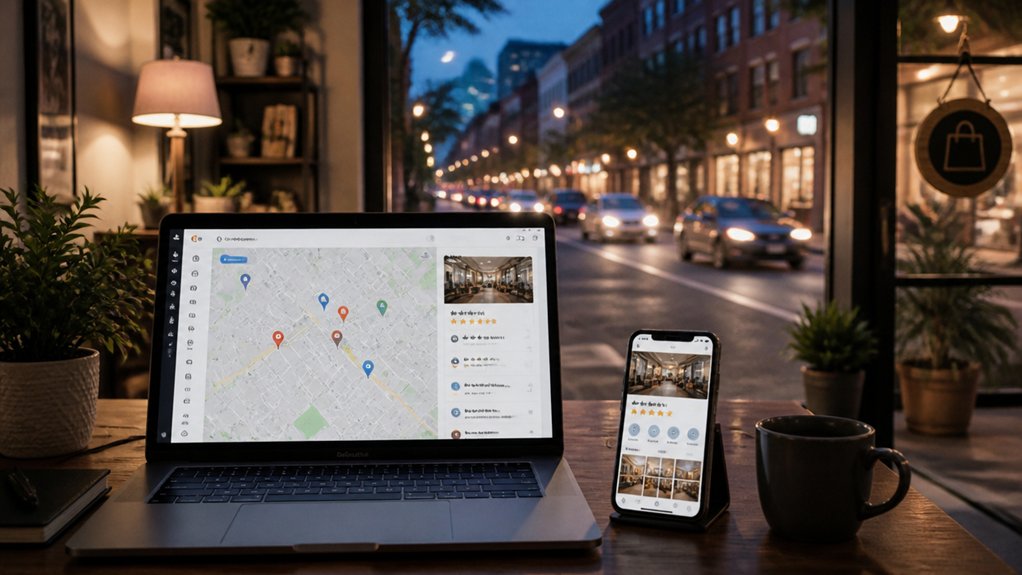
Because Google Business Profile often becomes your “front page” in local search, you need to treat it like a sales page, not a directory listing. Complete every field: categories, services, products, attributes, opening hours, and a keyword-led description that matches how customers search.
Use consistent NAP (name, address, phone) across your site and citations to strengthen Local SEO signals.
Add fresh photos weekly, including exterior, interior, team, and work samples, and label them clearly.
Publish Google Posts for offers, updates, and FAQs to keep your listing active.
Turn on messaging, set response times, and answer Q&As before others do.
Link to the most relevant landing page, not just your homepage.
Track calls, directions, and clicks to improve Online visibility and conversions.
Polish Your Social Bios, Highlights, and Links
While your feed may win attention, your bio, highlights, and link setup usually decide whether someone books, calls, or scrolls on.
Tighten your social bios to one clear promise: who you help, what you do, and where you serve. Add one proof point (years, rating, award) and one direct CTA (“Book a call”, “Get a quote”). Keep contact buttons switched on and match your handle, logo, and colour across platforms for instant recognition.
Treat highlights like a mini website: Services, Pricing, FAQs, Results, About, and Start Here. Use branded covers and update stale info monthly.
For link optimization, ditch clutter: use a single, fast link hub with three top actions and UTM tracking. Place booking first, then lead magnet, then reviews. Test monthly.
Post Like a Brand With 3 Repeatable Content Pillars
Choose three content pillars that match your customers’ needs and your offer, then write them down as clear themes you can post around every week.
Turn each pillar into repeatable templates (for example: tip, proof, behind-the-scenes) so you can create posts quickly without losing your brand voice.
Set a consistent posting rhythm you can keep—batch your content, schedule it, and stick to the cadence so your audience knows what to expect.
Define Your Content Pillars
To post like a brand (not just a busy small business), you need clear content pillars that make decisions for you before you open your phone. Start with three pillars that reflect how you win: expertise, proof, and personality. This becomes your content strategy: each post must fit a pillar or it doesn’t ship.
Use audience segmentation to keep pillars relevant. Identify your top three customer groups and map what each needs: answers, reassurance, or inspiration. Then assign a primary pillar to each group, so your feed serves different buyers without looking scattered.
Keep each pillar tight with 3–5 themes (questions you answer, results you deliver, values you show). Review monthly: drop topics that don’t convert and double down on what attracts enquiries.
Create Repeatable Post Templates
Once you’ve set your three content pillars, turn them into repeatable post templates so you can publish quickly without sounding random or reactive. Create one template per pillar: a hook, three bullet points, and a clear call to action. Keep captions tight and reuse proven structures so your message stays consistent across topics and platforms.
Lock in your Visual branding: identical fonts, colour palette, cover layout, and photo style. Build a simple design kit in Canva so every post looks like it came from a larger team.
Then plan Content repurposing inside each template: turn one tip into a carousel, a short video script, and an email snippet. Save prompts, headline formulas, and example posts in a swipe file, and you’ll create faster while maintaining brand polish.
Build A Consistent Posting Rhythm
Your templates and design kit keep every post on-brand; a consistent posting rhythm makes sure people actually see them often enough to remember you.
Choose three repeatable content pillars: value (tips, how-tos), trust (proof, testimonials, behind-the-scenes), and offers (products, bookings, deadlines). Assign each pillar a day and format so followers know what to expect and algorithms learn your cadence.
Lock in timing consistency by picking two to four posting slots you can sustain, then stick to them for eight weeks.
Use content scheduling to batch-create a month of posts, prewrite captions, and queue everything in one sitting.
Track reach, saves, and enquiries per pillar, then double down on what performs and drop what doesn’t.
Turn Customer Reviews Into Ongoing Marketing
Although you might see customer reviews as a final step after a sale, they can fuel ongoing marketing when you collect them consistently and reuse them strategically. Set a simple process: ask every buyer within 48 hours, provide a one-click link, and prompt for specifics (result, timeframe, service used).
Practise tight Review management by replying to all feedback, thanking happy customers and addressing issues with clear next steps—prospects watch how you handle problems.
Turn standout reviews into Customer testimonials: pull one sentence for social posts, add star ratings to landing pages, and place short quotes beside key offers to reduce doubt.
Rotate fresh proof monthly, and track which quotes lift enquiries so you keep promoting what converts best.
Use Email Automations to Sound Established
When you set up a few core email automations, you’ll communicate like an established business even while you sleep. Start with a welcome series that sets expectations, explains your process, and points to your best resources.
Add an enquiry follow-up that confirms receipt, outlines next steps, and gives a clear timeline so you sound organised.
Build a post-purchase sequence that answers common questions and invites feedback at the right moment.
Use audience segmentation to send relevant messages to different buyer types, locations, or service needs.
Apply personalization strategies beyond first names: reference the product viewed, the service requested, or the stage they’re in.
Keep templates consistent with your brand voice, include a clear call to action, and review performance monthly to tighten timing and wording.
Use Lightweight Tools for Faster Replies and Delivery
Email automations handle the routine messages, but lightweight tools help you respond fast and deliver work without bottlenecks. Use a shared inbox or team chat with labels, templates, and @mentions so queries don’t stall. Keep everything in one place for streamlined communication, then connect it to your calendar and task board to assign owners and deadlines instantly.
For real-time responsiveness, set mobile notifications for priority clients only, and use status indicators to show when you’re available. Share short Loom-style updates instead of long emails, and send proposals via e-sign tools that work on any device.
Store deliverables in a single client folder with clear version naming. Track progress with a simple checklist and auto-reminders. You’ll look organized, fast, and reliably “bigger” online.
Conclusion
If you want your small business to look bigger online, tighten the basics and stay consistent. Use your brand kit everywhere, fix your website’s credibility gaps, and add trust signals like reviews, clear policies, and proof points. Keep your Google Business Profile sharp, then post with three repeatable content pillars so you never scramble. Turn reviews into content, automate key emails, and use lightweight tools for fast replies. Done right, you’ll look a million times more established.